At a glance
-
4
traveller personas, followed through six phases of a trip
-
5
top-level sections in the new navigation
-
11
templates in the inventory
-
83
features, each rated need, should or could
The brief
Big Bus Tours runs open-top, hop-on hop-off sightseeing tours in cities around the world, and was moving its website to a new platform.
Born was asked to define the user experience for the new site: who it was for, how it should be organised, and which features mattered most, seen from the customer's side.
The challenge
Big Bus wanted more people to plan and book before they travel. But a bus tour was often decided on the street, on impulse, and the range of tickets, passes, packages and combos was hard to follow.
Many people who had never taken a bus tour didn't know they could hop on and off when they liked. The site had to explain the idea quickly, sell it, and then help on the day itself, in every city and language.
My role
My experience department at Born ran this work. I set the UX strategy and led the workshops and research with the team.
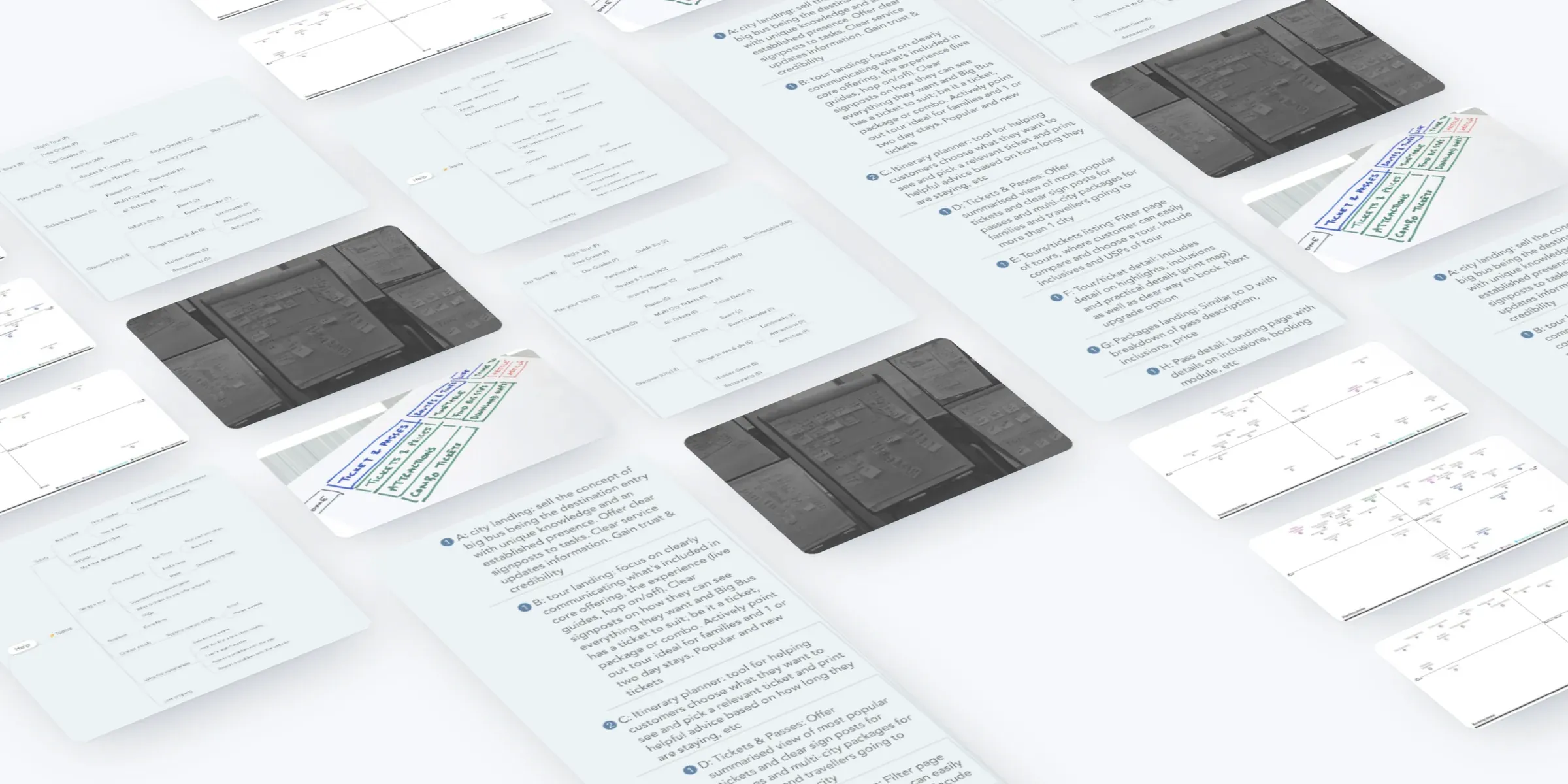
I articulated it through personas and customer journeys, a sitemap and template inventory, a content map, 83 prioritised features, personalisation rules and five guiding principles, brought together in the UX strategy for the re-platform.
What we did
- Ran workshops with Big Bus teams from across its markets, building on Big Bus's own visitor research.
- Researched the current site and its competitors, and ran remote user tests.
- Followed four traveller personas through six phases of a trip, from dreaming to evaluating.
- Rebuilt the structure around five top-level sections and eleven templates.
- Listed 83 features and prioritised each one for its phase of the trip.
- Set personalisation rules and five guiding principles for the design work that followed.
Workshops and research
We started with workshops held with Big Bus teams from across its markets, and with the findings of Big Bus's own visitor research: why people take bus tours, what puts others off, and how they plan a trip.
We added our own research on the current site and its competitors, remote user testing, and a look at the languages people browse each city's site in, which showed where translation would matter.
Four travellers, one trip
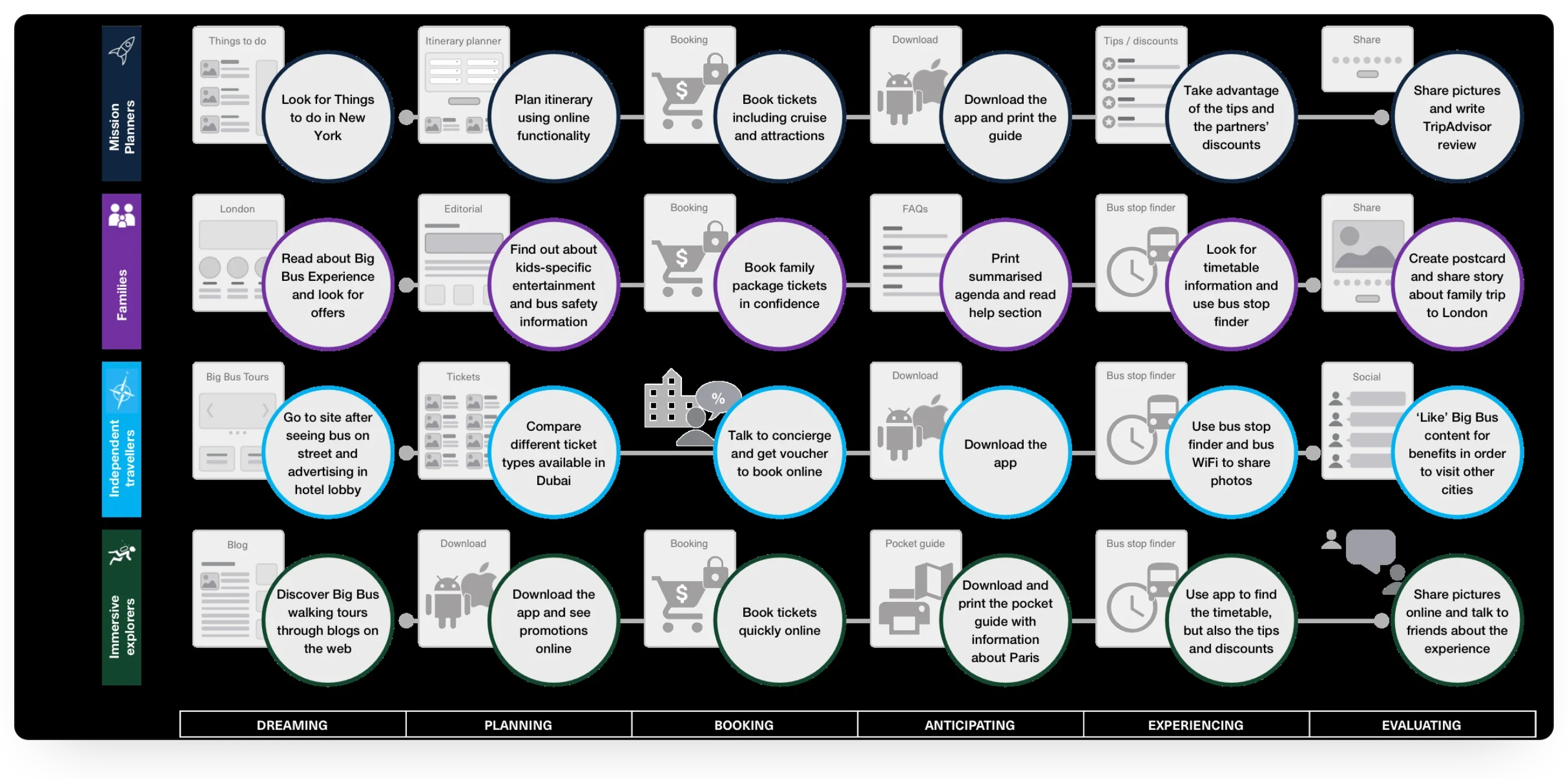
Four personas came out of the research: mission planners, families, independent travellers and immersive explorers. Each plans, books and explores a city differently.
We followed each of them through six phases of a trip: dreaming, planning, booking, anticipating, experiencing and evaluating. The journeys show where the website, the app, a concierge or an email does the work, from a family reading up on London to an explorer printing a pocket guide for Paris.
Structure
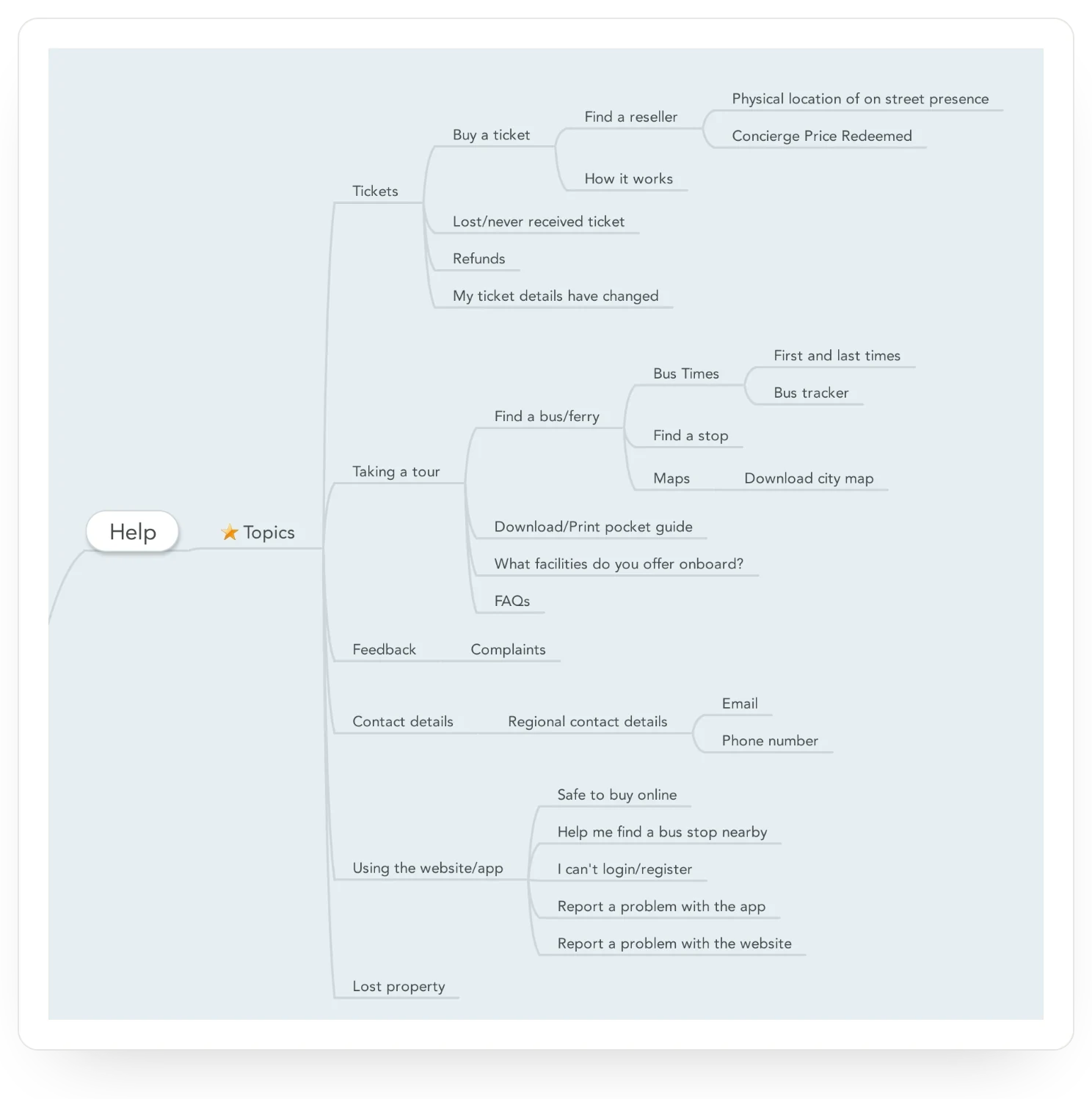
We re-architected the navigation around five sections: The Big Bus Experience, Tickets & Passes, Routes & Times, Life in [city] and Help & Contact.
Behind them sits an inventory of eleven templates, from the home and landing pages to a bus stop finder, articles, FAQs and forms. Fewer templates means less to maintain, and a clearer plan for content in every city.
![Part of the sitemap for a city site: Our Tours, Plan your Visit, Tickets & Passes and Discover [city], with the pages under each and the letter of the template each page uses.](/images/case-studies/big-bus-tours/sitemap.webp)
Content
A content map set out everything the experience needed: tours and tickets, routes and stops, events, landmarks, attractions and restaurants in each city, help topics and every customer email.
Each content module has a type, from editorial and sales promotion to utility, help and social, and a dependency: content to produce, an integration to confirm or a technical requirement to settle.
Features for every phase
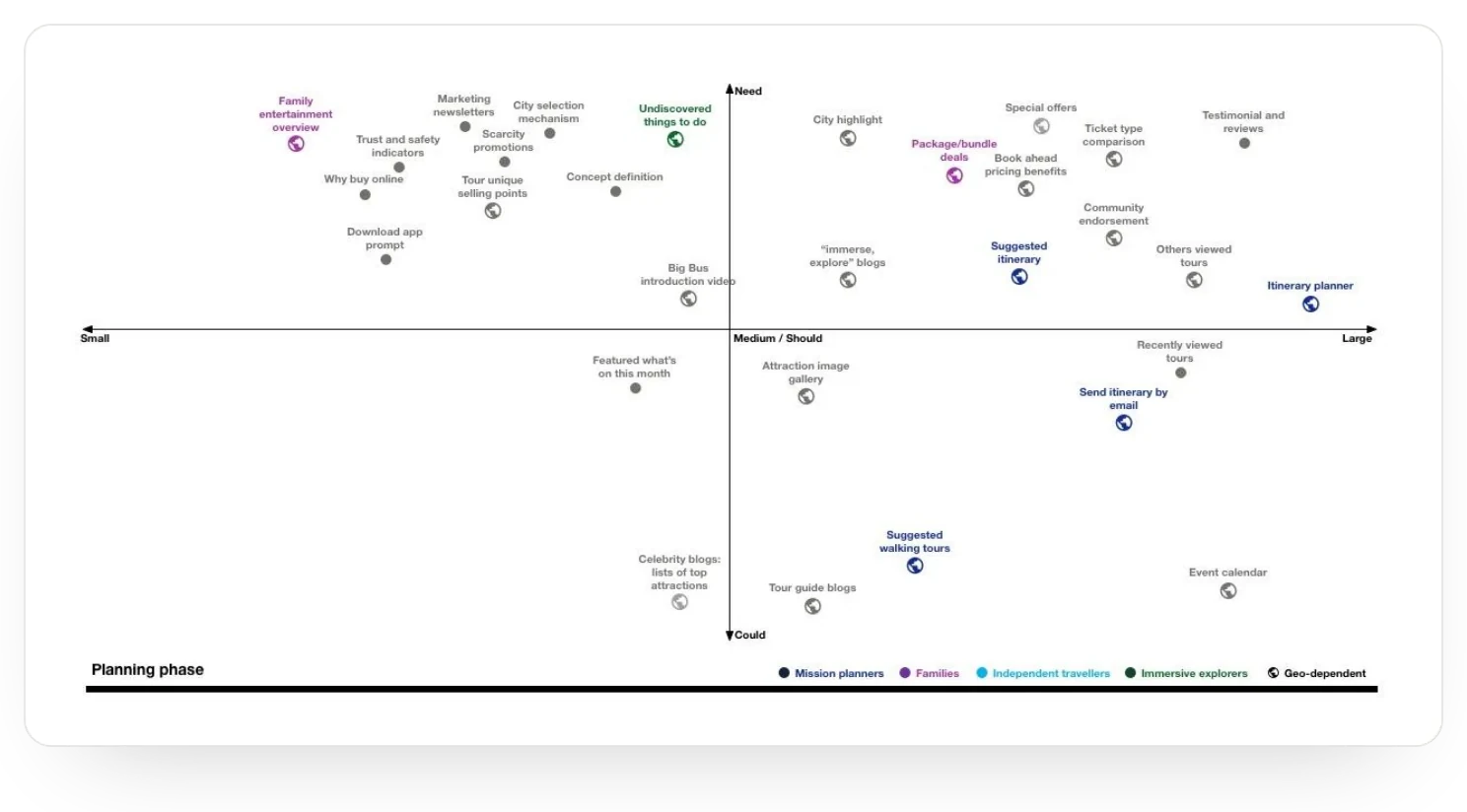
We captured 83 features from the customer's point of view: 37 need, 28 should and 18 could. For each phase of the trip, we plotted them by priority and size, and marked those that served one persona most.
Planning called for an itinerary planner and clear ticket comparison; booking for a lean checkout with live chat and reassurance on payment; the day itself for finding the nearest stop and the next bus. After the tour came a thank-you email and a chance to review the guide.
The 83 features, by priority
Features captured from the customer's point of view
View as a table
| Priority | Features |
|---|---|
| Need | 37 |
| Should | 28 |
| Could | 18 |
Personalisation and principles
Personalisation rules decided what to show and when: the right city homepage from someone's location, the night tour at night, and more about the day ahead once a ticket is bought.
Five principles guided the design: communicate unobtrusively yet proactively, simplify the product proposition, be known as a way into discovering a city, be helpful at every stage, and think omnichannel, online and on the bus.
The result
A UX strategy for the re-platform: one view of Big Bus's customers and their trips, a simpler structure, and a prioritised list of features to scope the build and guide the design.
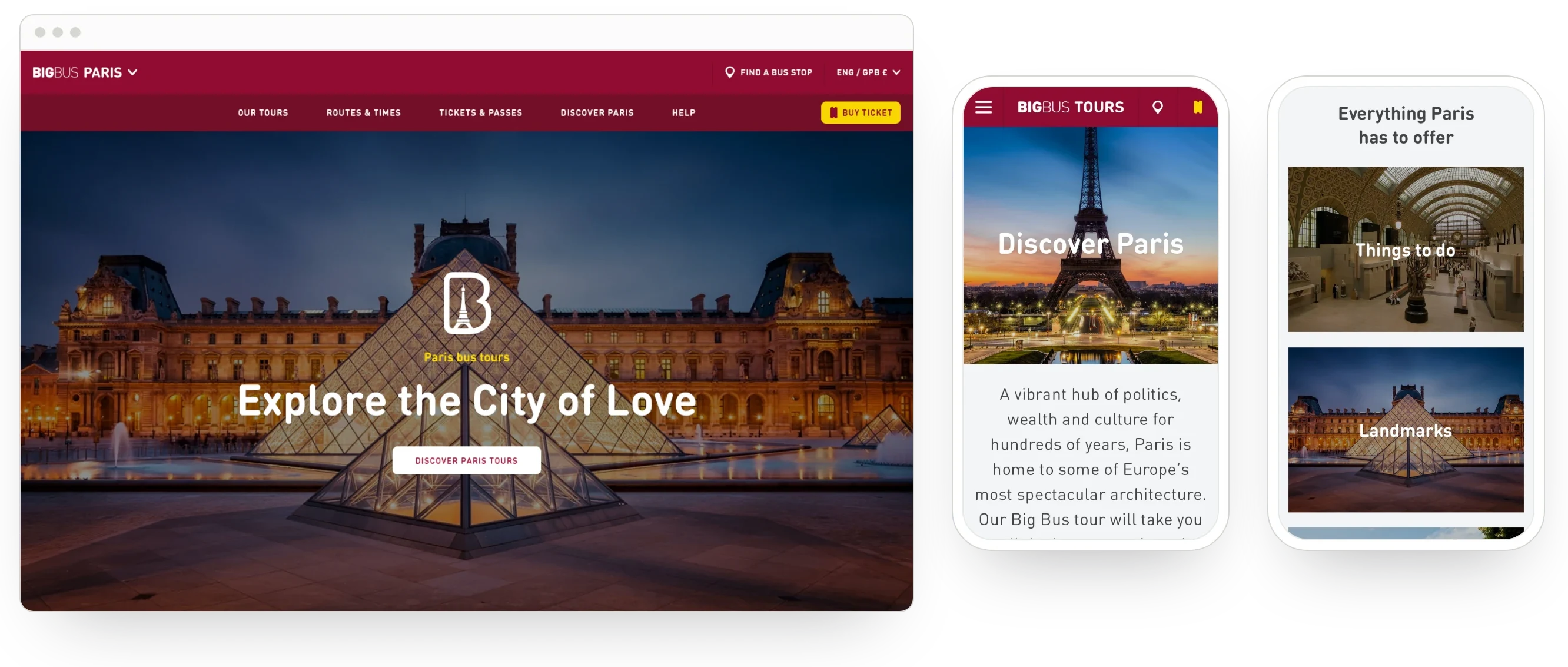
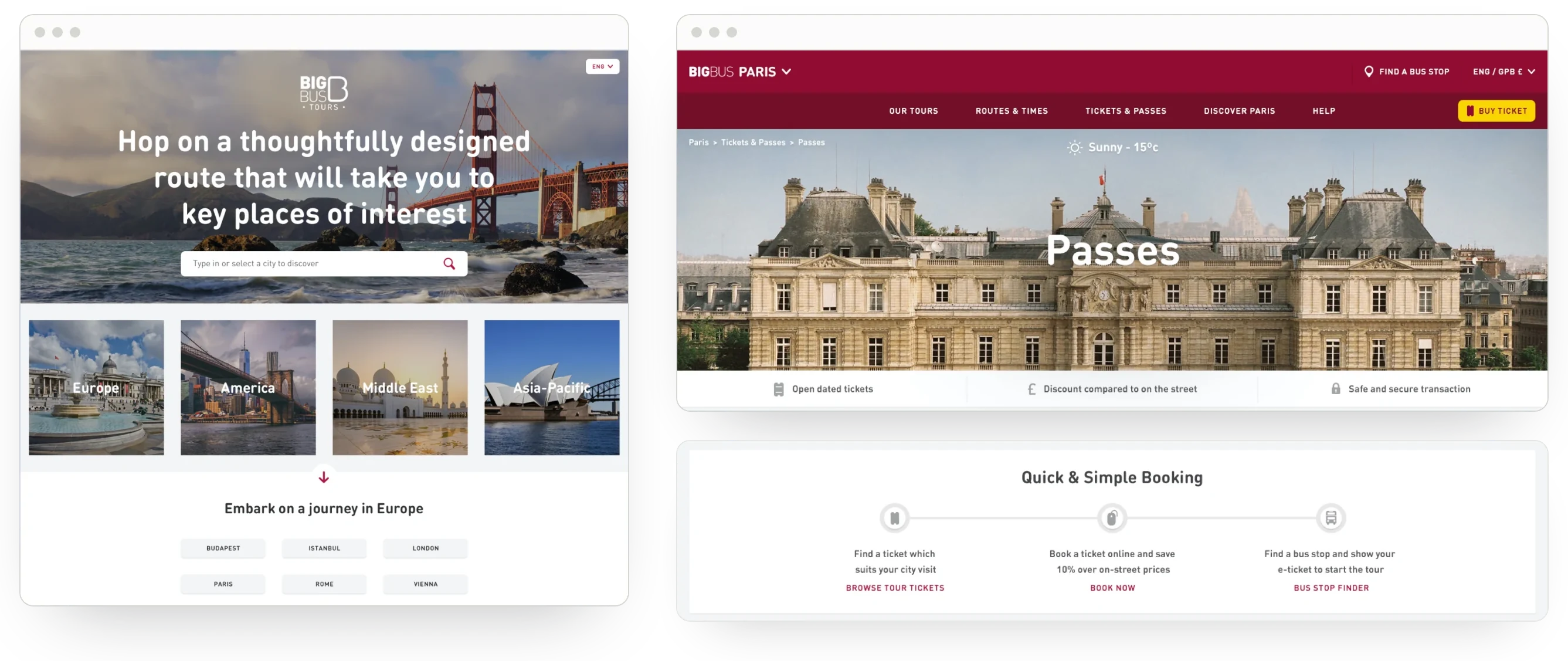
Born went on to design and build the new site on Magento 2: mobile first, responsive, and in several languages and currencies. Born reports mobile traffic up 53%, overall site traffic up 40% and mobile conversion up 50%.